
Key Benefits
- No-Code Development: Build agents declaratively using pre-configured templates.
- Industry Accelerators: Access domain-specific solutions across service, work, and process domains.
- Extensive Template Library: Explore 250+ templates tailored to diverse industries and use cases.
- Pre-built Integrations: Connect seamlessly with 150+ business apps.
- Template Preview: Review template definitions, integrations, and use cases before deployment.
- One-Click Installation: Deploy immediately with customization options to match your requirements.
Install an App
Install a pre-built app to get a ready-to-use agentic solution. Find an app in the Marketplace that matches your needs, and install it to automatically create agents and tools in your workspace. Customize as needed.-
Go to Agentic Apps page or visit the Marketplace.
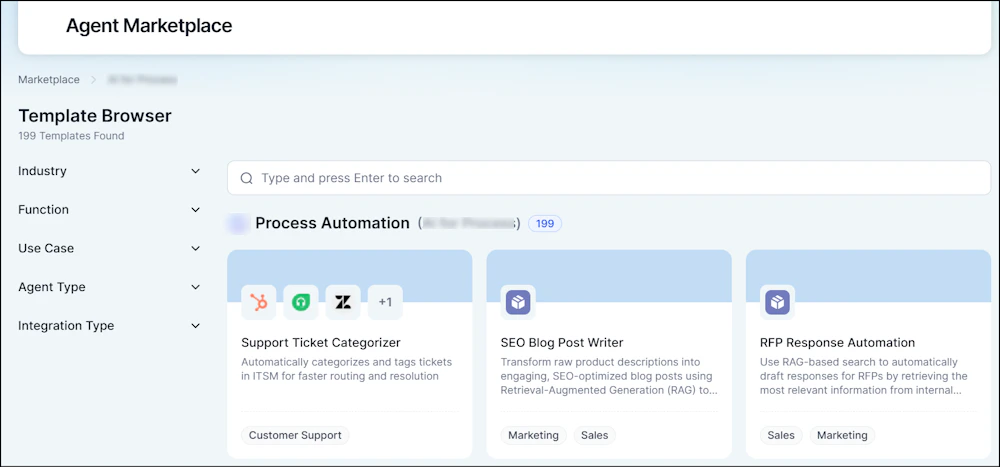
-
Browse by category, select an app to view its details and installation instructions, then prepare for tool configuration.
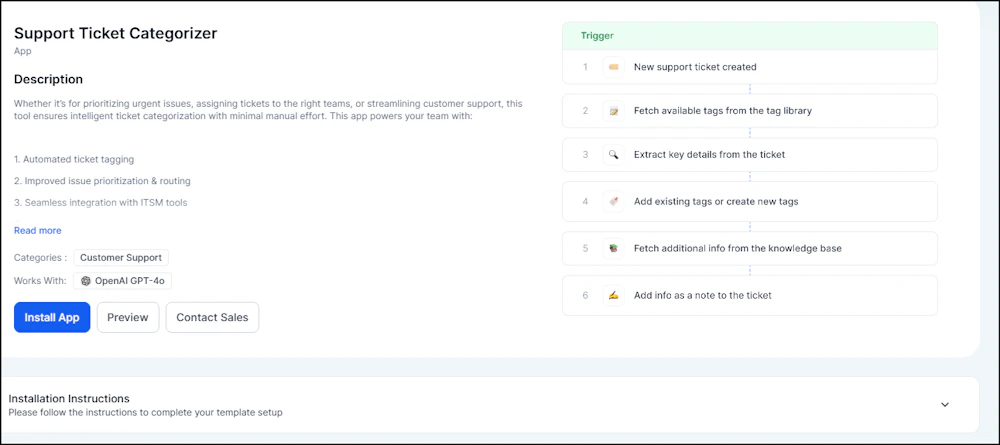
- Select the required tools and click Install App > Proceed to Import.
-
(Optional) Connect Search AI for knowledge base integration. Learn more about Knowledge Tool Integration.
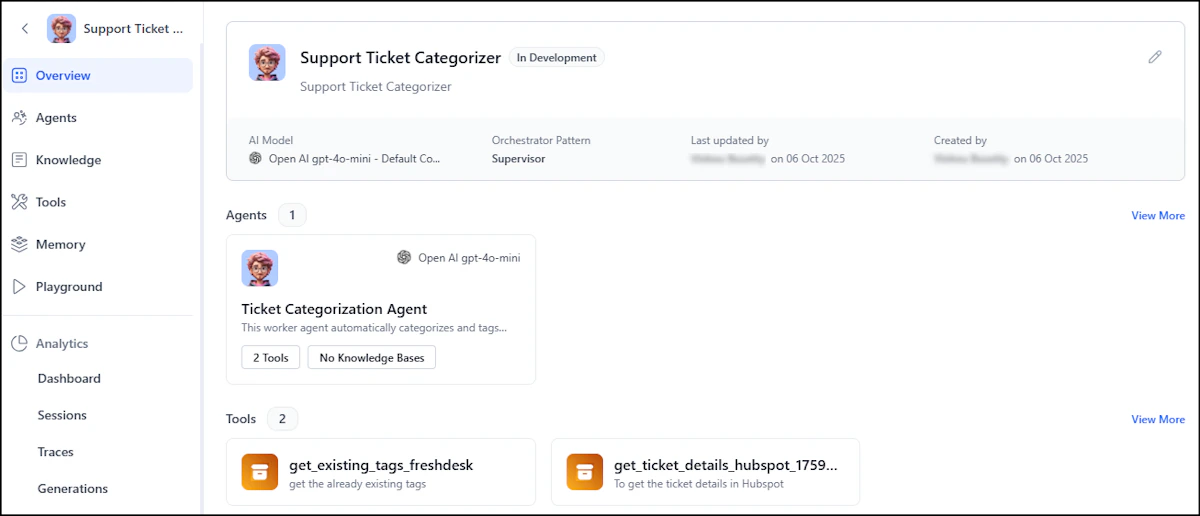
- Return to the Marketplace, select your installed app, and click the tool link to view its configuration procedure.
Enhance an Existing App
Enhance an existing app by selectively importing specific agents or tools to add new capabilities to your current workflows and create an optimal mix of functionality.-
Go to Agentic Apps, select an existing app, and choose Explore Marketplace. Alternatively, go to the Marketplace and select your existing app.
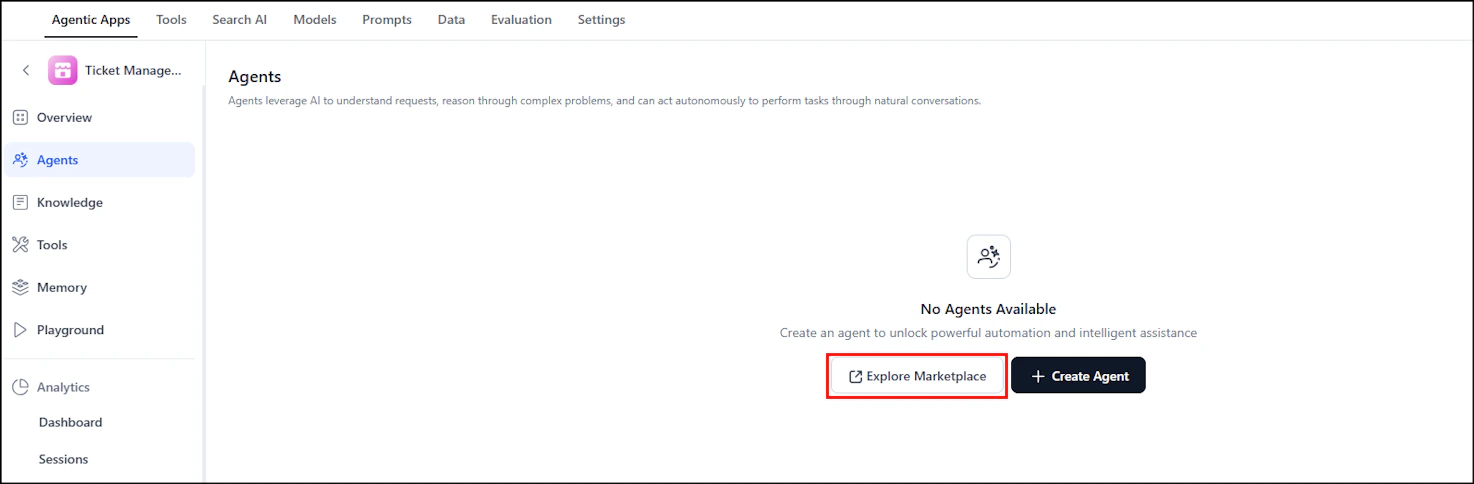
-
Browse by category, select an app to view its details and installation instructions, then prepare for tool configuration.
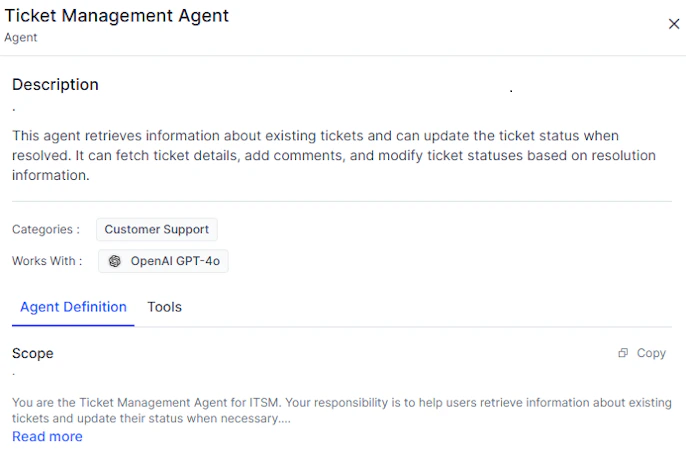
- Choose Select Tools > Install > Import.