
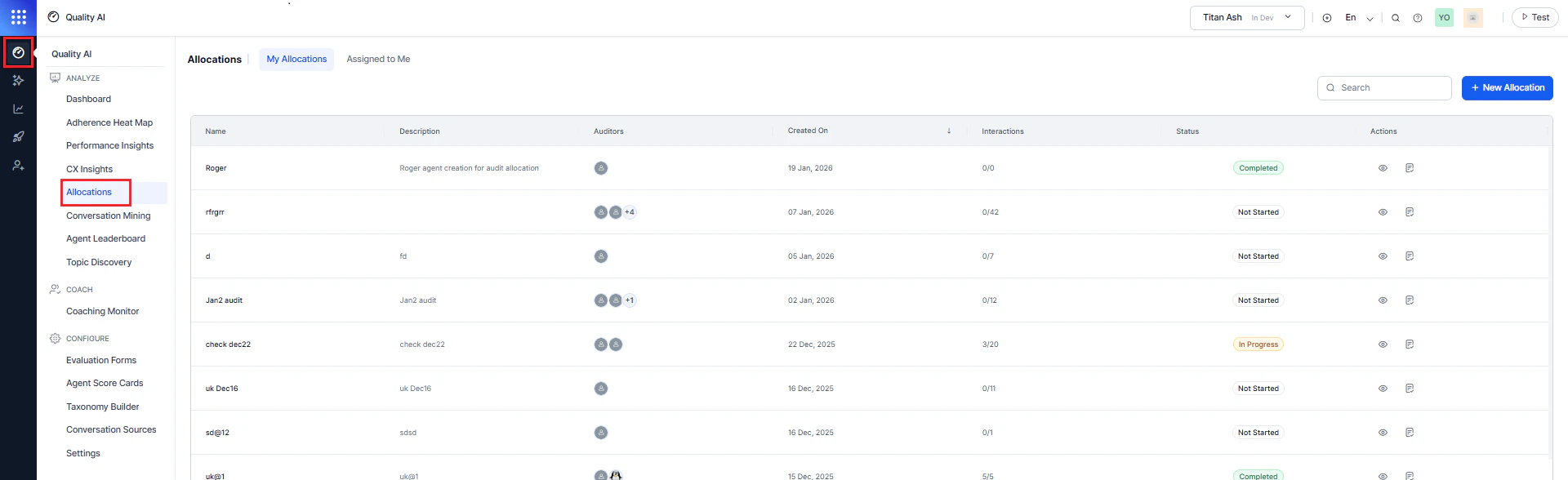
Why Use Audit Allocations?
Even with automated QA, contact centers rely on manual evaluations to validate accuracy and deliver meaningful agent coaching. Traditional methods create operational challenges that Audit Allocations addresses directly:| Challenge | How Audit Allocations Helps |
|---|---|
| Allocation visibility gaps | Real-time tracking of what’s assigned and the completion progress for each auditor. |
| Inflexible assignment management | Reassign pending interactions when auditors are unavailable due to leave or workload changes. |
| Manual workflow inefficiencies | Create custom allocations with quick filters directly in the workflow — no pre-saved filters needed. |
| Limited distribution control | Specify exact interaction counts or percentages per agent for precise workload management. |
| Organizational confusion | Dedicated workspace separate from Conversation Mining analysis. |
Key Capabilities
- Comprehensive Tracking: Monitor all allocations with real-time completion rates per auditor.
- Flexible Reassignment: Redistribute pending interactions from unavailable auditors without disrupting completed work.
- Streamlined Creation: Build allocations with quick filters in the assignment workflow.
- Controlled Distribution: Set exact interaction counts or percentages per agent.
- Dual Assignment Methods: Choose Random for unbiased sampling or Custom for targeted evaluations.
For steps to create an allocation, see Creating Audit Allocations. For information on managing allocations and auditor views, see Understanding Views and Permissions.