| Specification | Details |
|---|---|
| Repository type | Cloud / On-Premise |
| Supported API version | v1 |
| Supported content | Files |
Prerequisites
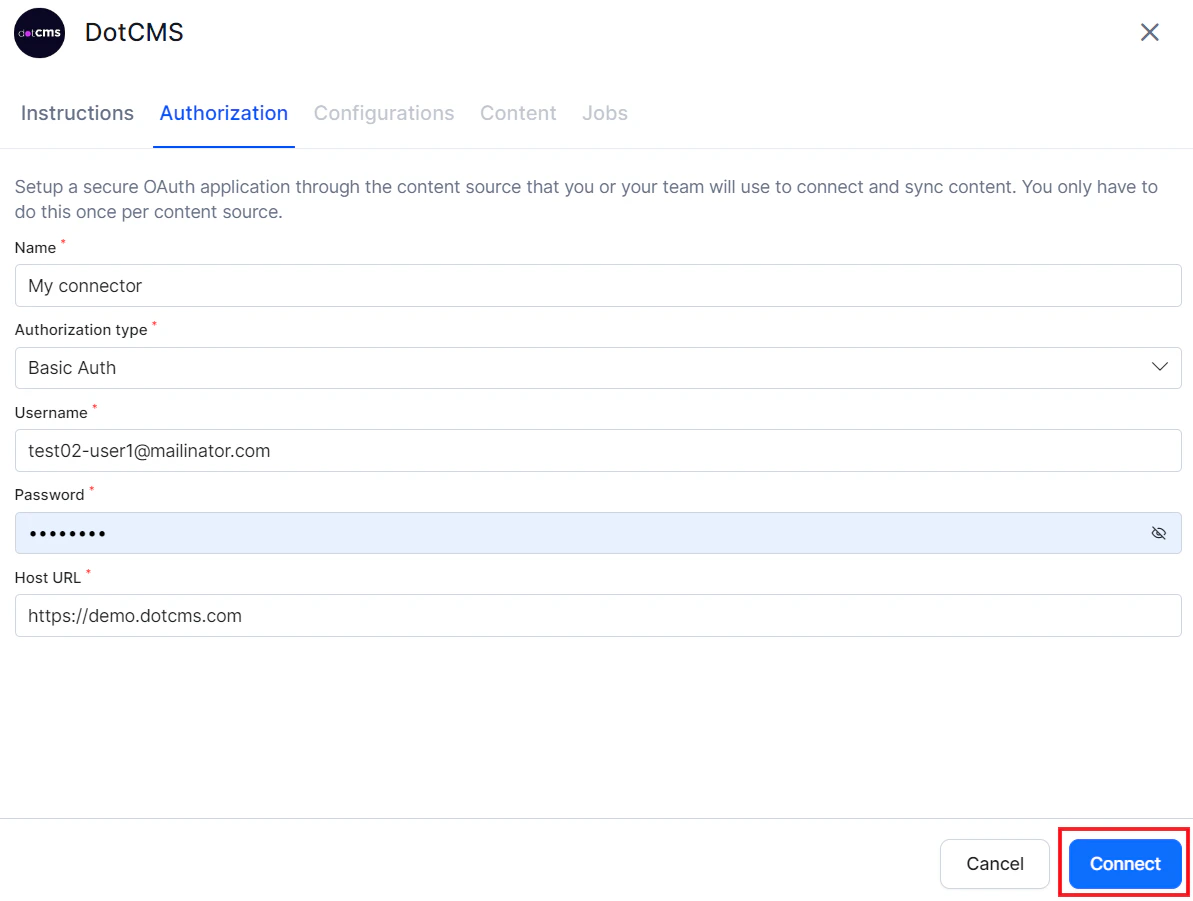
Search AI uses Basic Auth to connect to dotCMS. You need dotCMS user credentials with permissions to access the required resources.Configure the dotCMS Connector
Authorization
Go to Content > Connectors and select DotCMS.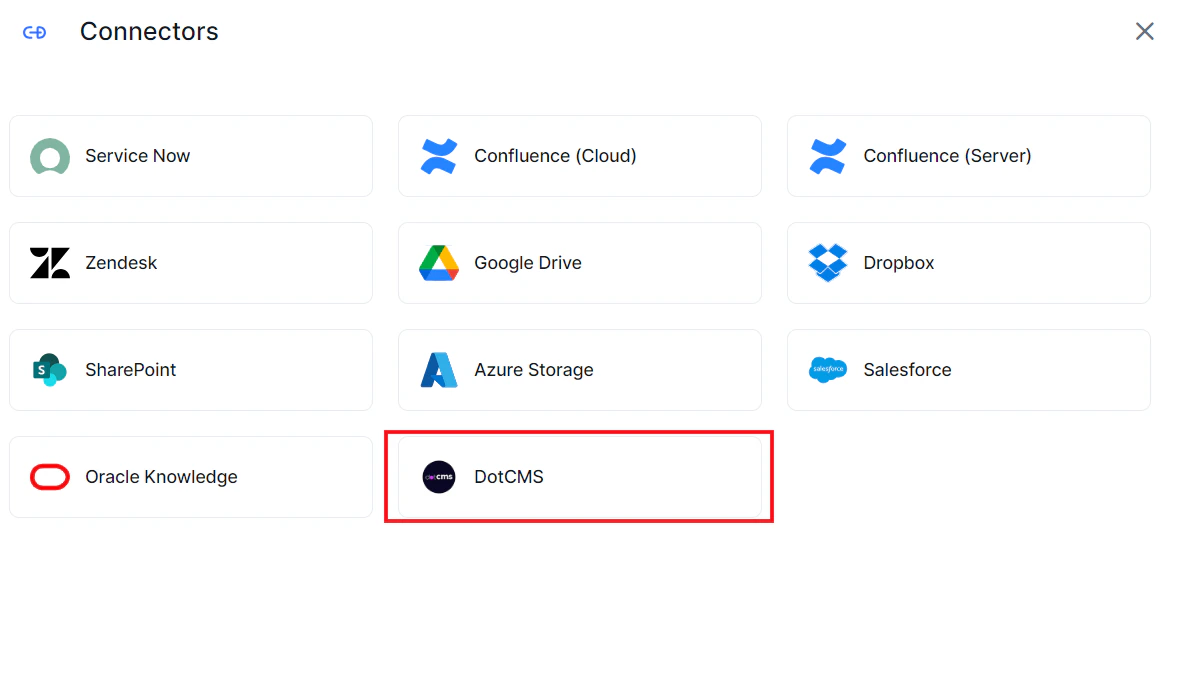
| Field | Description |
|---|---|
| Name | Unique name for the connector |
| Host URL | URL of the dotCMS application |
| Username | dotCMS credentials |
| Password | dotCMS credentials |
Content Ingestion
Go to the Configuration tab and select the content to ingest. You can sync all content from the dotCMS account or select specific content.Content Filters
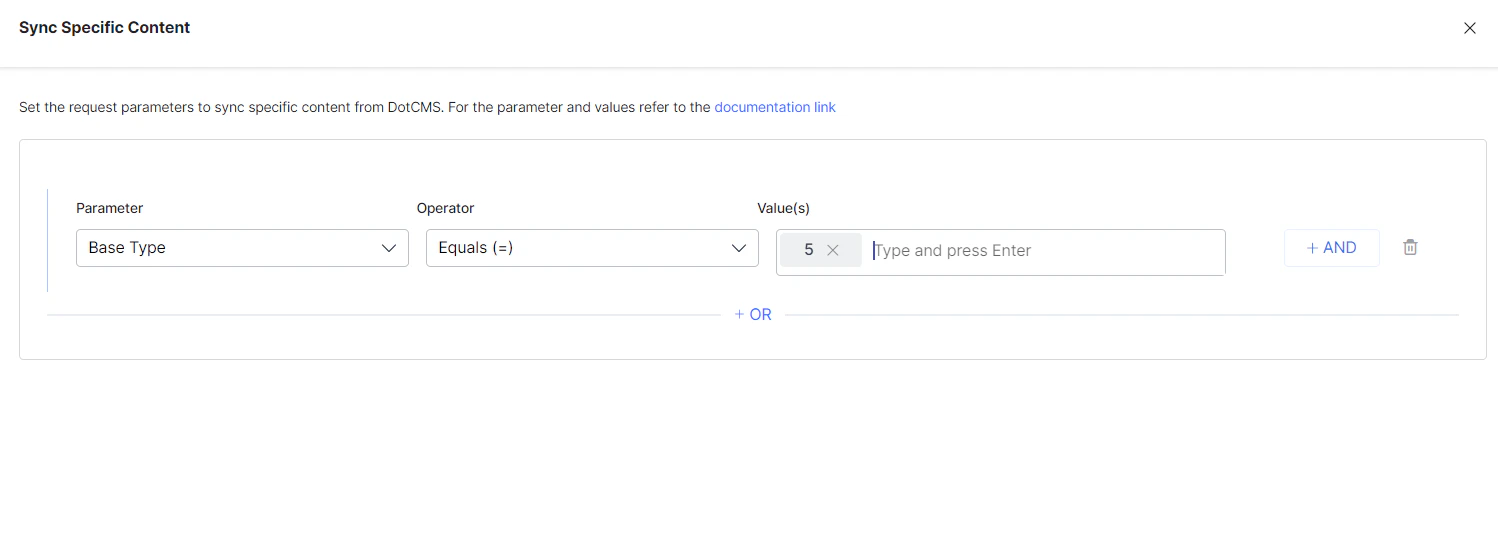
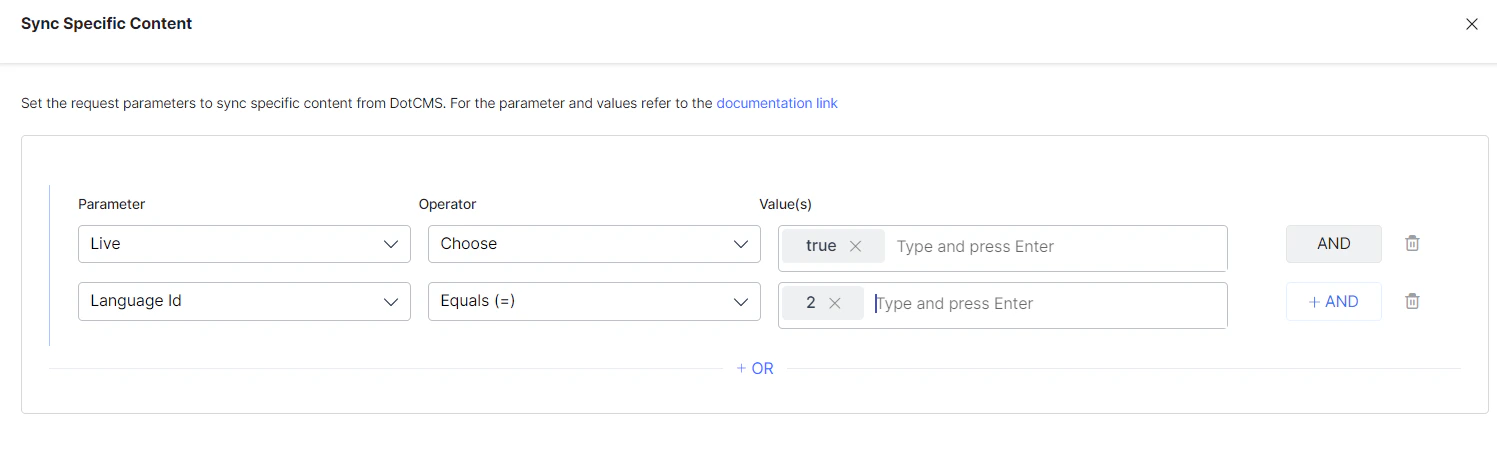
To selectively ingest content, select Sync Specific Content and click Configure. Define rules using a parameter, operator, and value.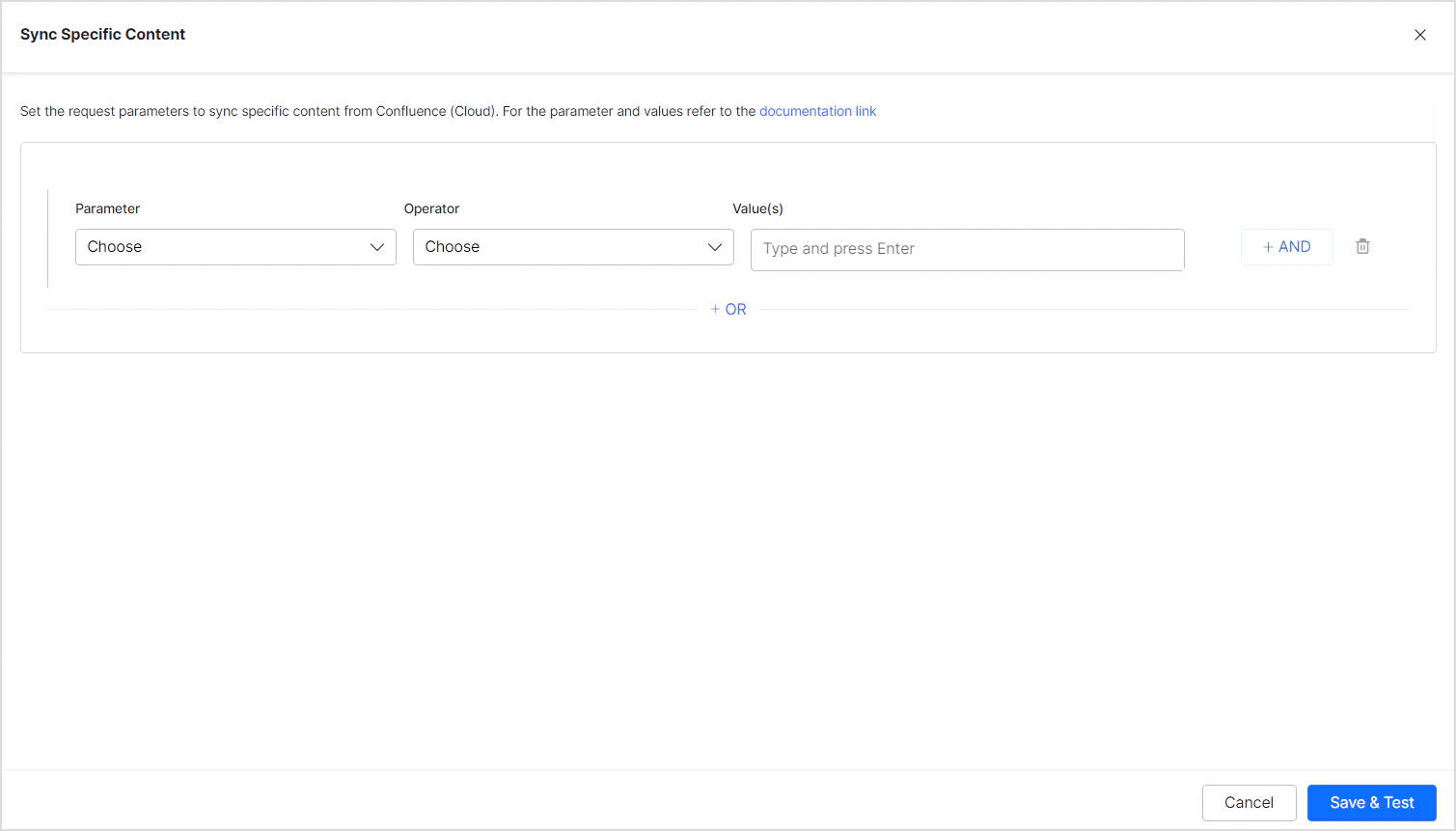
| Parameter | Description |
|---|---|
| Base Type | Base content type in dotCMS. Refer to dotCMS base content types for supported values. |
| Content Type | Variable name for the Content Type defined for your content |
| Locked | Whether the content is locked. Use true or false. |
| Live | Whether the content is published. Use true or false. |
| Language ID | Language ID defined by dotCMS for language-specific ingestion |
Note:
- Use the OR operator to combine multiple rules for different content types.
- Use the AND operator within a rule to apply multiple conditions.
- You can use other System Properties defined by dotCMS to add rules. The parameters listed above are commonly used defaults.
- Ensure property names and values exactly match the expected values in dotCMS. Refer to dotCMS System Properties documentation for details.
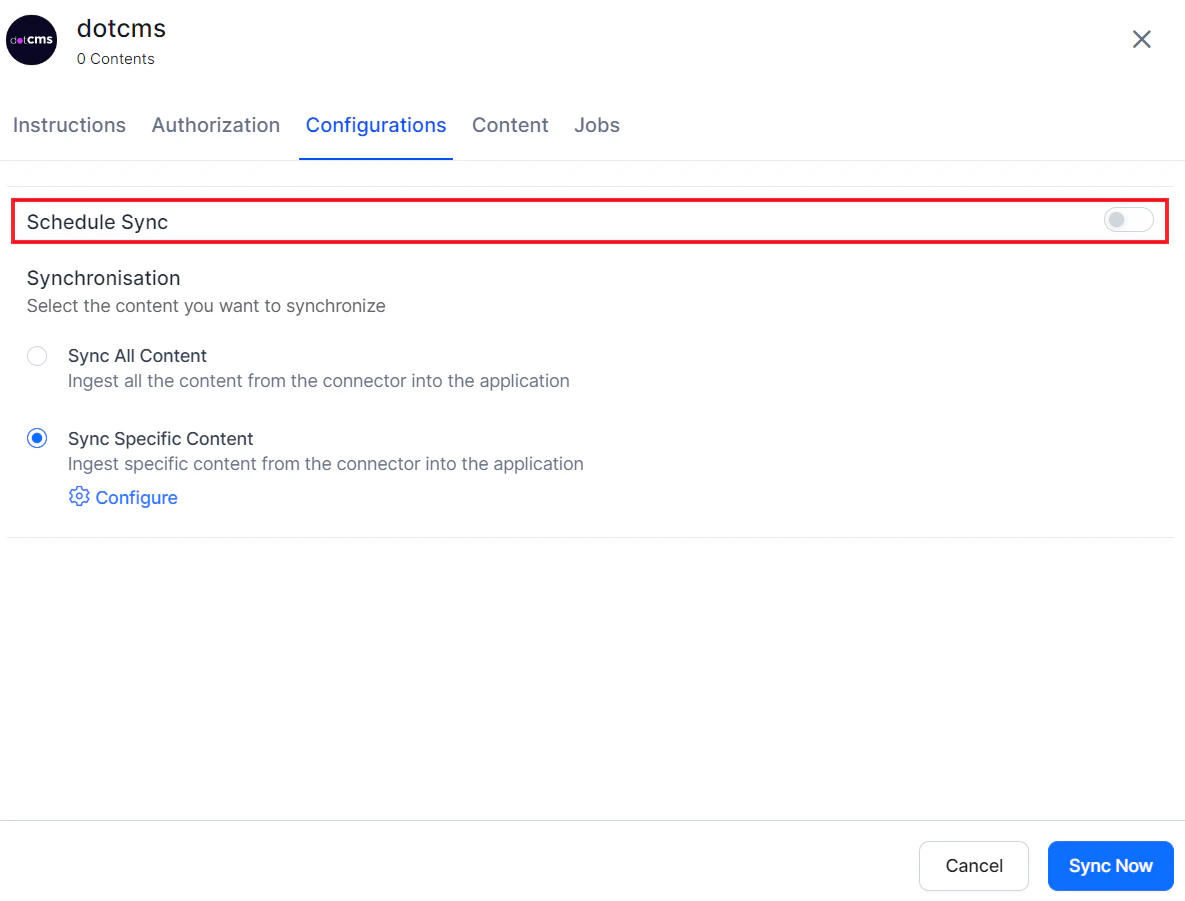
Content Sync Schedule
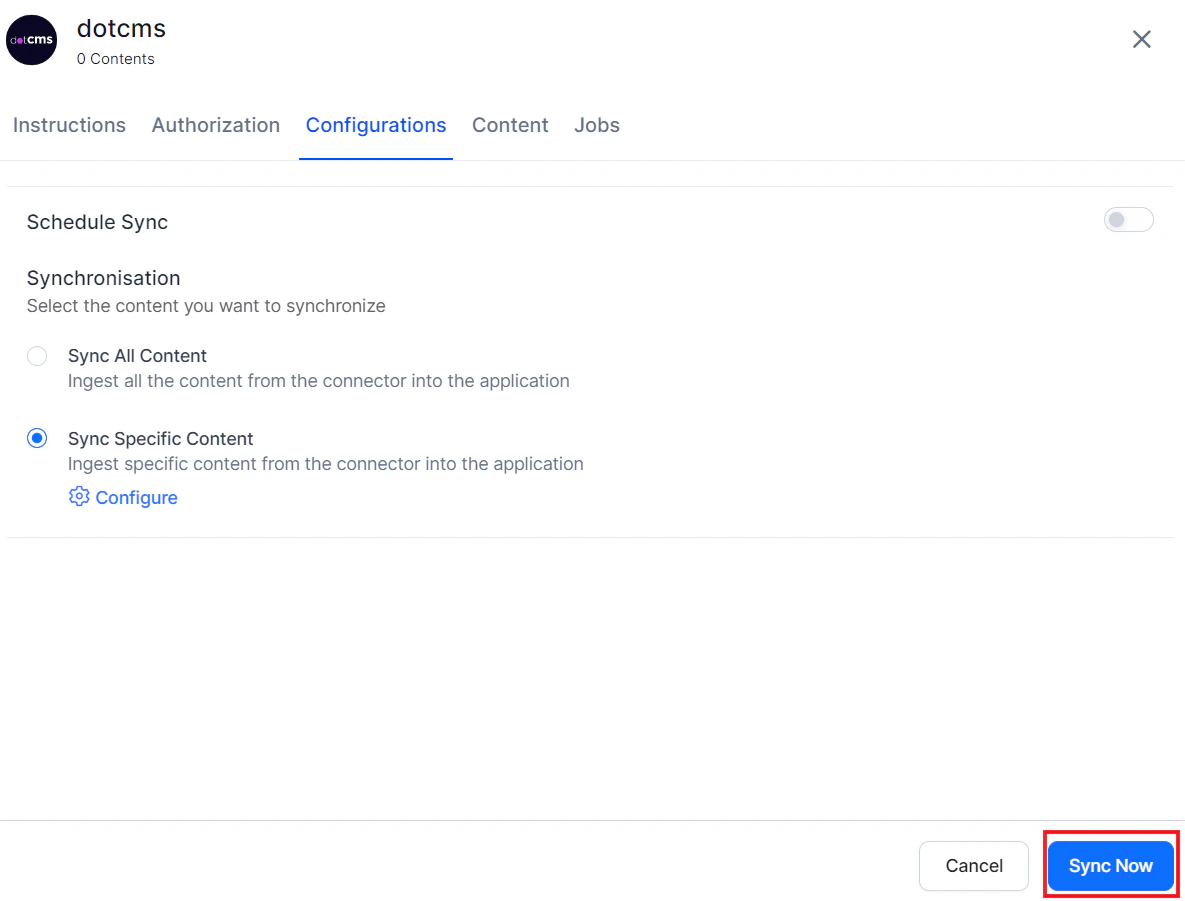
Manual sync — Click Sync Now to immediately ingest all updates from the dotCMS account.