Key Benefits
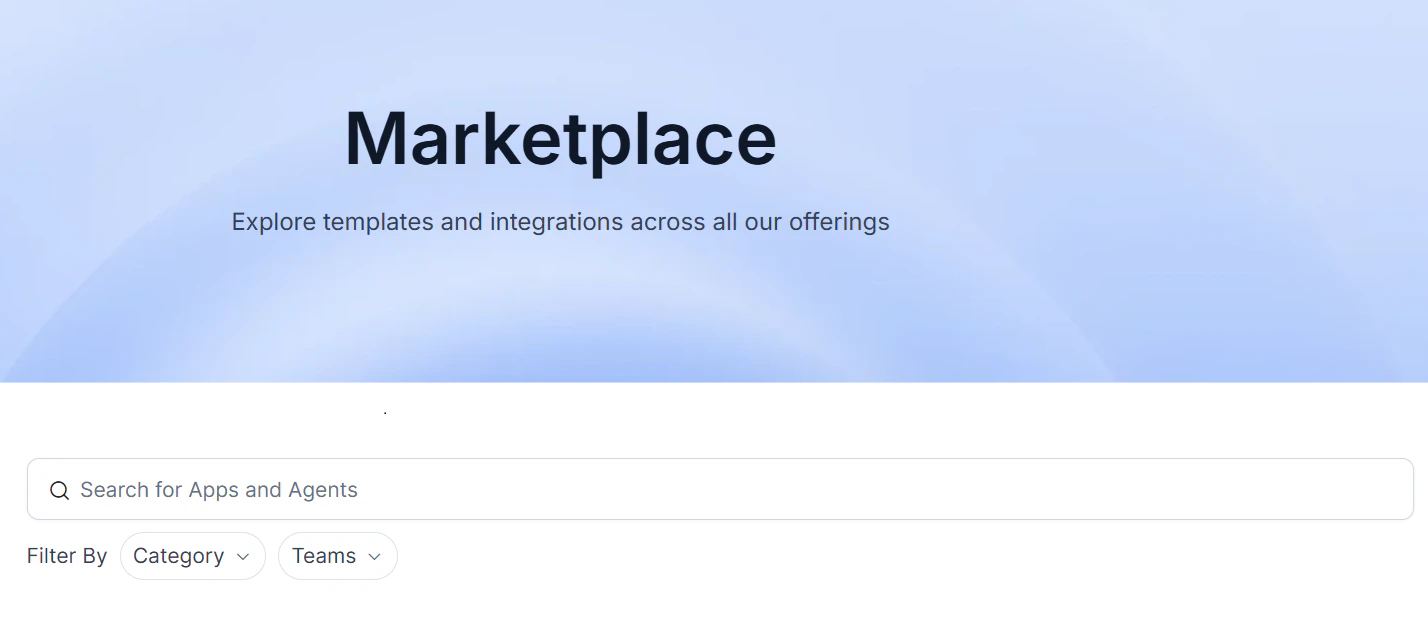
- Centralized Access: Discover all the available Platform agents in a single, searchable interface.
- Simplified Search: Easily find the agents you need using categories and filters.
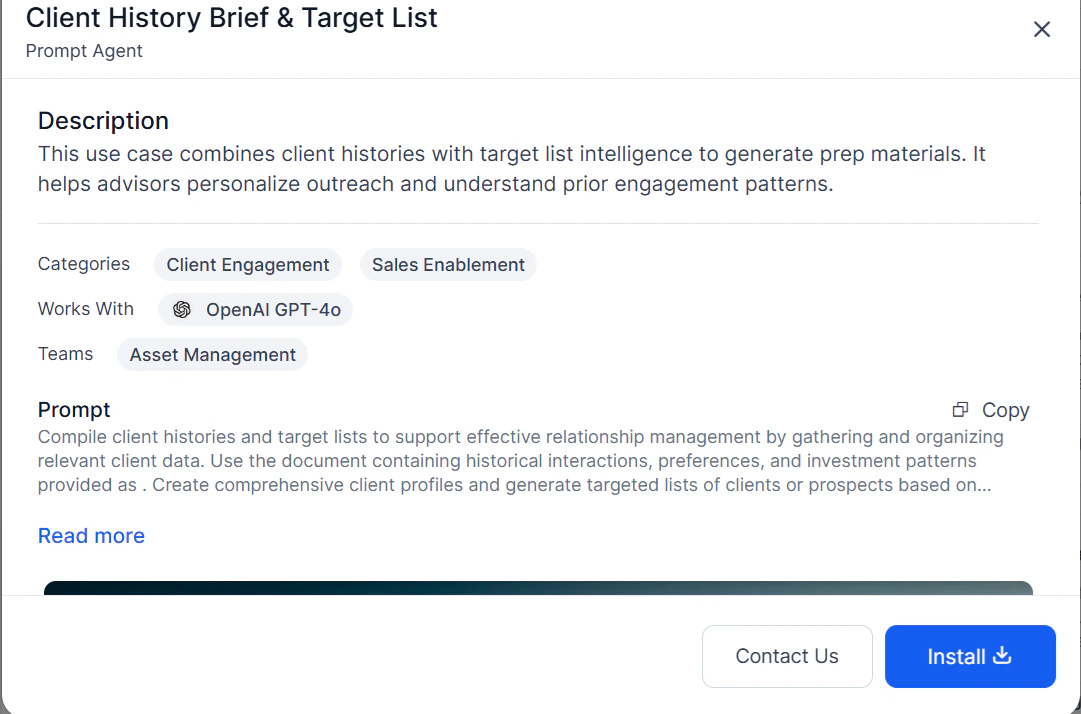
- Transparent Information: Understand each agent’s functionality through detailed descriptions and previews before installing.
- Effortless Integration: Add agents to your workspaces quickly and easily.
Agent Types
The Marketplace organizes agents into two sections:| Section | Description |
|---|---|
| Apps | Multi-agent solutions (Agentic Apps) that handle complex, multi-step workflows. All created Agentic flows appear here. |
| Agents | Individual AI components, including Prompt Agents — text-based assistants that generate content or answer questions without external integrations. |

Finding Agents
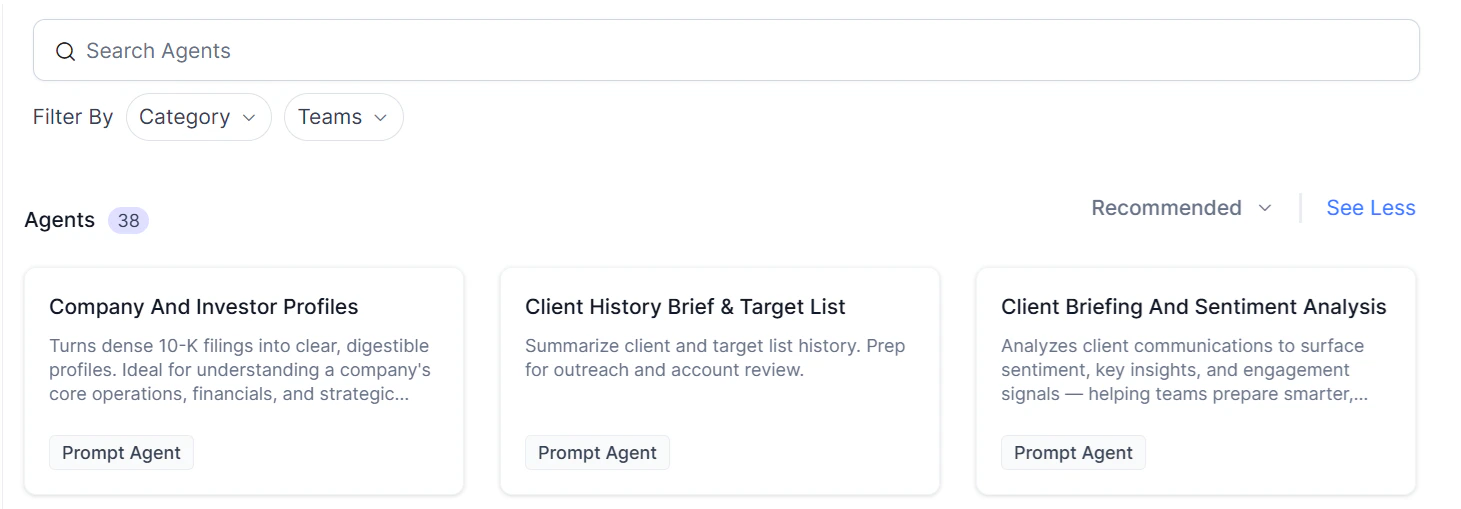
Use the following methods to locate agents:- Text Search — Enter keywords to find matching agents.
- Team Filter — Filter by team (for example, Marketing or Sales). Select All Teams for general-purpose agents.
- Category Filter — Filter by function, such as Content Generation, Lead Tracking, or Personal Productivity.
Agent Card Information
Each agent card displays:- Agent name
- Brief description
- Integrations (if any)
- Agent type (Agents section only)
Installing an Agent
-
Open the agent’s details page and click Install.
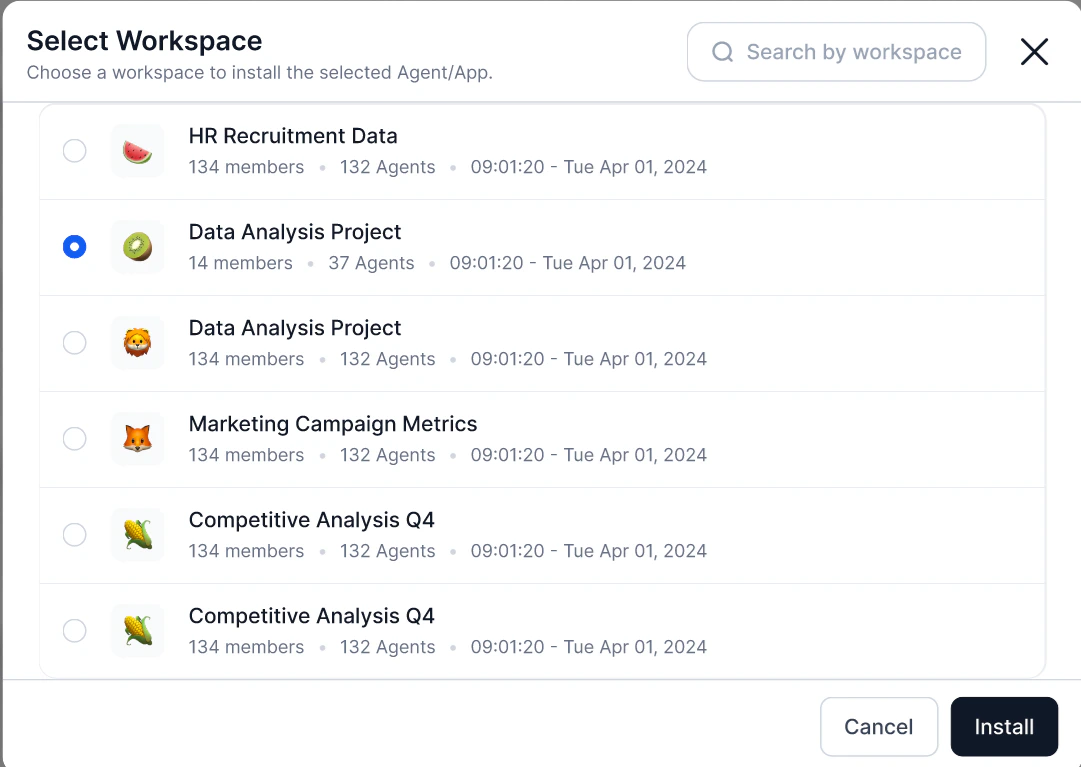
- The Platform redirects you to the Workspaces area.
-
Select a workspace:
- Only workspaces authorized for that agent type are active and selectable.
- Unauthorized workspaces are grayed out. Hover over them to see the reason (for example, “creation is not allowed in this workspace”).
-
The agent installs into the selected workspace under the relevant category.
Creating an Agent
When creating a new agent from a supported agent type:- Click Create Agent.
-
Select one of the following:
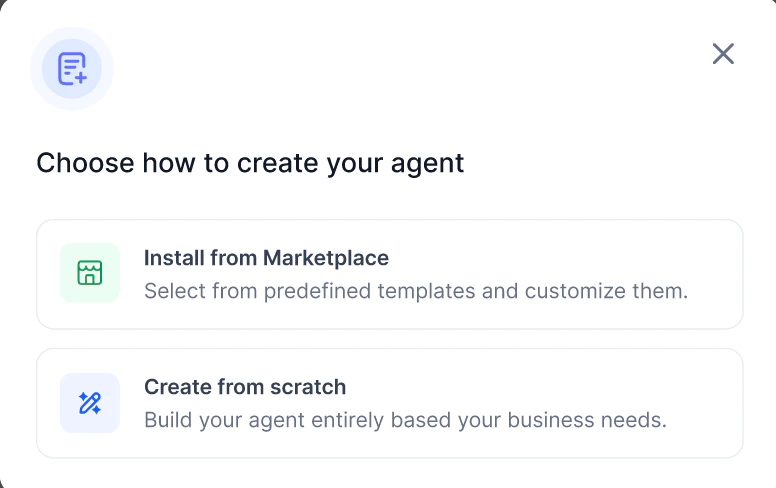
- Install from Marketplace — Opens the Marketplace filtered to relevant agent types.
- Create from Scratch — Starts the custom agent builder.